
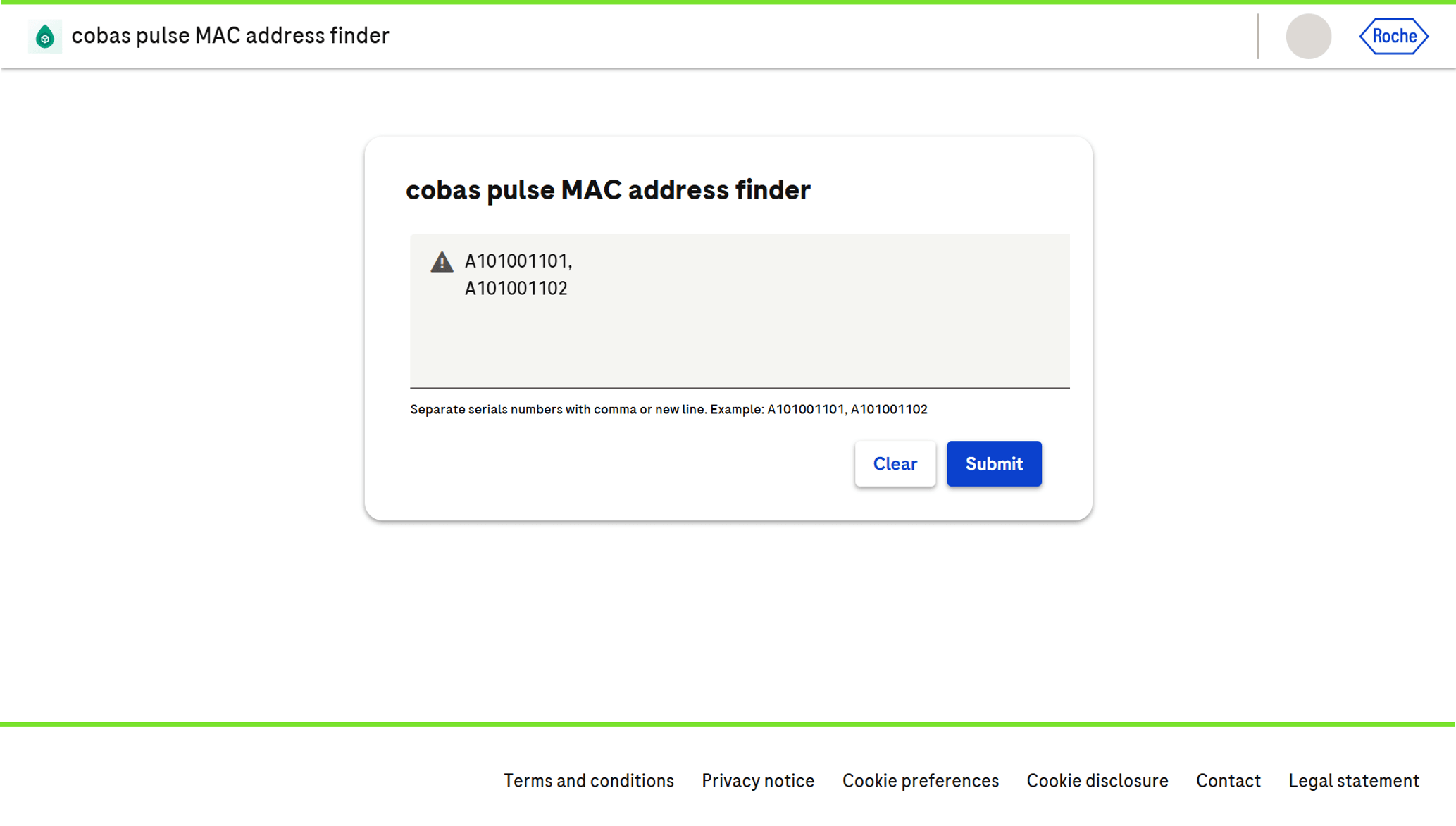
Key benefits
Retrieve MAC addresses instantly by serial number
Copy, print or download the list for your IT team
No need to wait for instrument delivery or unboxing
Available 24/7 via the navify® Portal
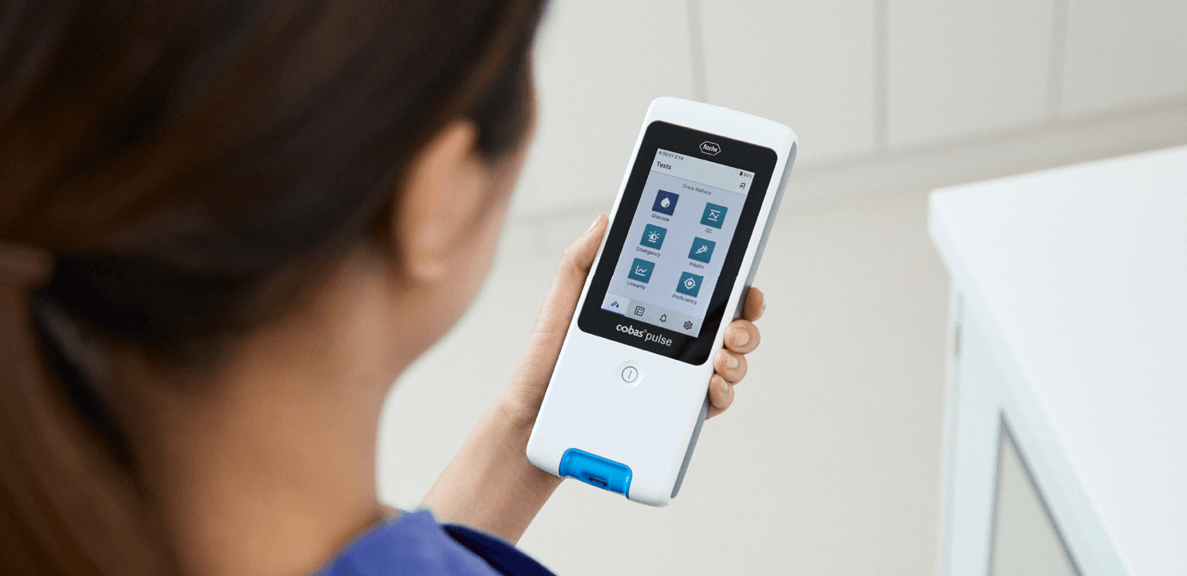

Keeping your diagnostic environment running smoothly requires proactive planning and seamless integration. The cobas® pulse MAC Address Finder eService enables your facility’s IT and technical teams to retrieve instrument network identifiers from one central location.
This eService on the navify® Portal allows you to easily retrieve your cobas® pulse devices’ MAC addresses,1 just by using their serial numbers. No need to wait for packaging or manual lookups. Copy or print MAC addresses directly, so your IT setup stays seamless and fast.
Retrieve MAC addresses instantly by serial number
Copy, print or download the list for your IT team
No need to wait for instrument delivery or unboxing
Available 24/7 via the navify® Portal